



425 0 comment
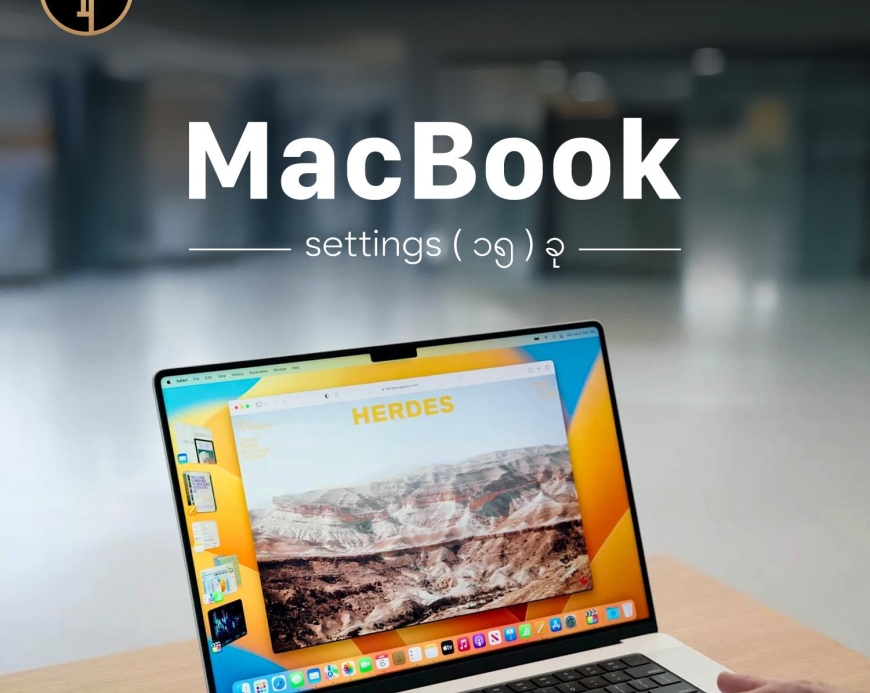
၁. True Tone ပိတ်ထားပါ။
System Preferences > Displays မှာ True Tone ကို ပိတ်လိုက်ပါ။ Battery သက်တမ်း ပိုရှည်သွားမယ်။ကာလာပြောင်းတာတွေမဖြစ်တော့ပါဘူး။
၂. Background App Refresh ကိုပိတ်ပါ။
System Preferences > General > Login Items မှာ မလိုအပ်တဲ့ apps တွေ startup မှာ မတက်အောင် ပိတ်လိုက်ပါ။
၃. Visual Effects လျှော့ပါ
System Preferences > Accessibility > Display မှာ "Reduce motion" ကို ဖွင့်လိုက်ပါ။ System ပိုမြန်သွားမယ်။ Animation တွေပျောက်သွားပါလိမ့်မယ်။
၄. Spotlight Indexing ကန့်သတ်ပါ
System Preferences > Spotlight > Privacy မှာ မလိုအပ်တဲ့ folders တွေကို ထည့်လိုက်ပါ။
၅. FileVault Encryption ဖွင့်ပါ
System Preferences > Security & Privacy > FileVault မှာ disk encryption ကို ဖွင့်လိုက်ပါ လုံခြုံရေးအတွက်။
၆. Automatic Updates ပိတ်ပါ
System Preferences > Software Update မှာ automatic updates ကို ပိတ်လိုက်ပါ။ ကိုယ်တိုင်အားလပ်တဲ့အချိန်မျိုးမှာ Wifi ကောင်းတာမျိုးနဲ့လုပ်တာပိုကောင်းပါတယ်။
၇. Hot Corners သတ်မှတ်ပါ
System Preferences > Mission Control > Hot Corners မှာ screen corners တွေကို shortcut လုပ်လိုက်ပါ။
၈. Energy Saver ချိန်ဆပါ
System Preferences > Battery မှာ "Put hard disks to sleep when possible" ကို ဖွင့်လိုက်ပါ။
၉. Menu Bar သန့်ရှင်းပါ
System Preferences > Dock & Menu Bar မှာ မလိုအပ်တဲ့ menu bar items တွေကို ဖယ်လိုက်ပါ။
၁၀. Finder View Options ချိန်ပါ
Finder မှာ View > Show View Options မှာ "Calculate all sizes" ကို ပိတ်လိုက်ပါ folder ဖွင့်တာ မြန်ဖို့။
၁၁. Gatekeeper လုံခြုံရေး ဖွင့်ပါ
System Preferences > Security & Privacy > General မှာ "App Store and identified developers" ကို ရွေးလိုက်ပါ။
၁၂. Safari Privacy Settings ချိန်ပါ
Safari > Preferences > Privacy မှာ "Prevent cross-site tracking" ကို ဖွင့်ပြီး cookies ကို restrict လုပ်လိုက်ပါ။
၁၃. Time Machine သတ်မှတ်ပါ
System Preferences > Time Machine မှာ automatic backup လုပ်အောင် သတ်မှတ်လိုက်ပါ။ Data လုံခြုံရေးအတွက်။
၁၄. Desktop ပတ်ဝန်းကျင် သန့်ရှင်းပါ
System Preferences > Mission Control မှာ "Group windows by application" ကို ဖွင့်လိုက်ပါ workspace ပိုစီစဉ်ဖို့။
၁၅. Screen Time ကန့်သတ်ပါ
System Preferences > Screen Time မှာ app usage limit တွေ သတ်မှတ်လိုက်ပါ။ Focus ပိုရဖို့နဲ့ productivity တိုးဖို့အတွက်လုပ်သင့်ပါတယ်။
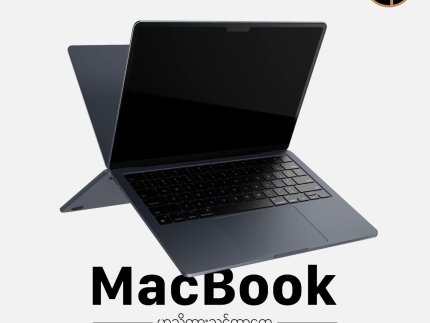
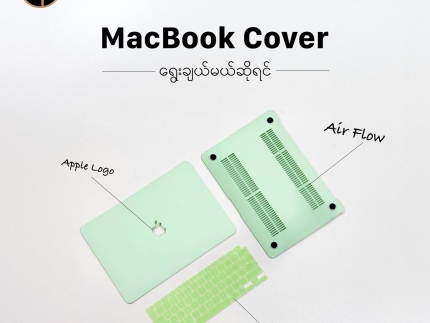
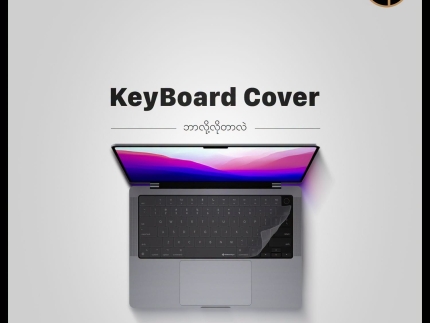
MacBook အတွက် Cover နဲ့ Bag လေးတွေဝယ်ချင်တယ်ဆိုရင် Ting Toung မှာကိုယ်ကြိုက်တဲ့ Colour နဲ့ Design လေးကို လာရောက်စုံစမ်းဝယ်ယူနိုင်ပါတယ်။
တဂ်:MacBook

Latest
Neo 13" A3404 Plamguard
Ks30,000
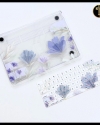
Purple Flower Macbook Cover
Ks78,000
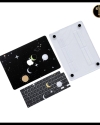
Black Universe Macbook Coverr
Ks78,000
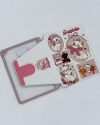
Air 1/2 Marie Cover
Ks58,000
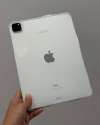
Air 1/2 Clear Cover
Ks32,000
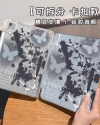
Air 1/2 Butterfly Cover
Ks45,000
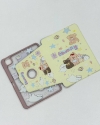
Air 1/2 Yellow Bear Cover
Ks58,000
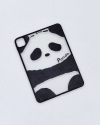
Air 1/2 Panda Cover
Ks45,000

Bestune TPU Leather keycase
Ks38,000
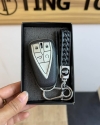
Changan TPU Leather keycase
Ks38,000
မှတ်ချက်တစ်ခုရေးပါ