



257 0 comment
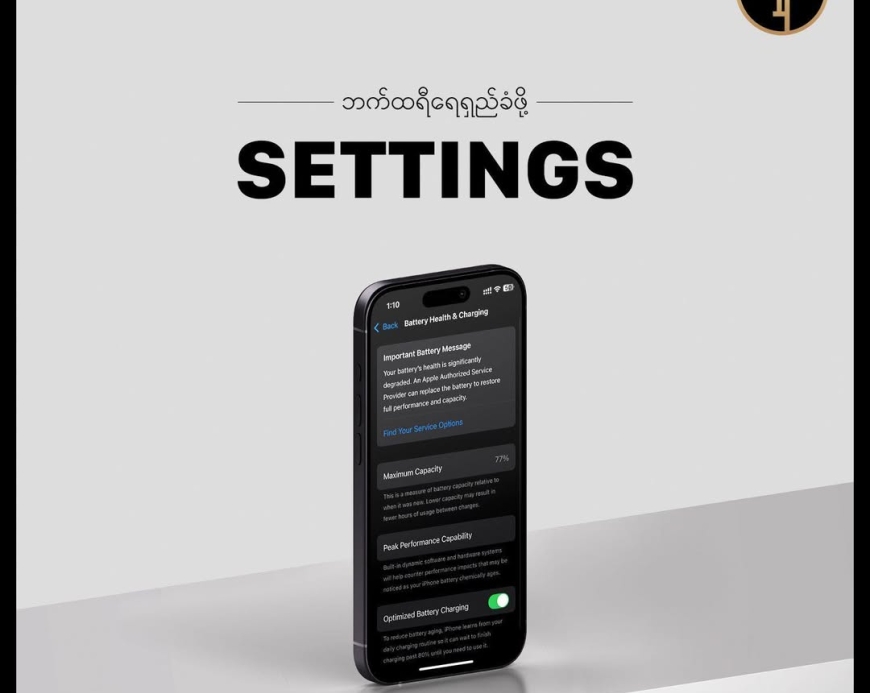
iPhone ဘက်ထရီ အကုန်မြန်နေတယ်ဆိုတာ ဒီ Settings ၅ ခုကိုမလုပ်ထားလို့ပါ
၁. Background App Refresh ပိတ်ထားရန်
Settings > General > Background App Refresh မှာ သုံးမလိုတဲ့ app တွေကို ပိတ်ထားပါ။ လိုအပ်တဲ့ app တချို့ပဲ ဖွင့်ထားလို့ရပါတယ်။
၂. Screen Brightness လျှော့ပြီး Auto-Brightness ဖွင့်ထားရန်
Settings > Display & Brightness မှာ brightness ကို အလယ်အလတ်ထားပြီး Auto-Brightness ကို ဖွင့်ထားပါ။ ဒါက brightness ကို အသုံးလိုသလိုညှိပေးမှာပါ။
၃. Location Services ကို လိုအပ်သလောက်ပဲ သုံးပါ
Settings > Privacy & Security > Location Services မှာ မလိုအပ်တဲ့ app တွေရဲ့ location access ကို ပိတ်ပါ။ “While Using App” ကို ရွေးချယ်ထားတာ ပိုကောင်းပါတယ်။
၄. Push Notifications လျှော့ချရန်
Settings > Notifications မှာ မလိုအပ်တဲ့ app တွေရဲ့ notifications တွေကို ပိတ်ပါ။ အရေးကြီးတဲ့ app တွေပဲ notifications လာအောင် ထားပါ။
၅. Low Power Mode ကို အသုံးပြုရန်
ဘက်ထရီ ၂၀% လောက်ကျတဲ့အခါ Settings > Battery > Low Power Mode ကို ဖွင့်ပါ။ ဒါက system performance နဲ့ background activities တွေကို လျှော့ချပေးမှာပါ။
ဒီ setting တွေကို လုပ်ထားရင် iPhone ရဲ့ ဘက်ထရီ သက်တမ်း သိသိသာသာ တိုးလာမှာပါ။
MacBook အတွက် Cover နဲ့ Bag လေးတွေဝယ်ချင်တယ်ဆိုရင် Ting Toung မှာကိုယ်ကြိုက်တဲ့ Colour နဲ့ Design လေးကို လာရောက်စုံစမ်းဝယ်ယူနိုင်ပါတယ်။
#tingtoung #macbookcover #macbookbag
တဂ်:iOS

Latest

Neo 13" A3404 Plamguard
Ks30,000

Purple Flower Macbook Cover
Ks78,000
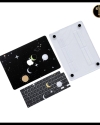
Black Universe Macbook Coverr
Ks78,000

Air 1/2 Marie Cover
Ks58,000
Air 1/2 Clear Cover
Ks32,000

Air 1/2 Butterfly Cover
Ks45,000
Air 1/2 Yellow Bear Cover
Ks58,000

Air 1/2 Panda Cover
Ks45,000

Bestune TPU Leather keycase
Ks38,000

Changan TPU Leather keycase
Ks38,000
Related Products
New
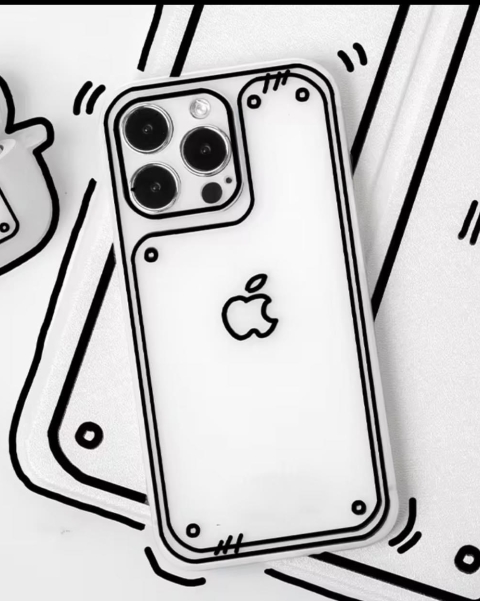
3D White iPhone Cover
Ks15,000
New
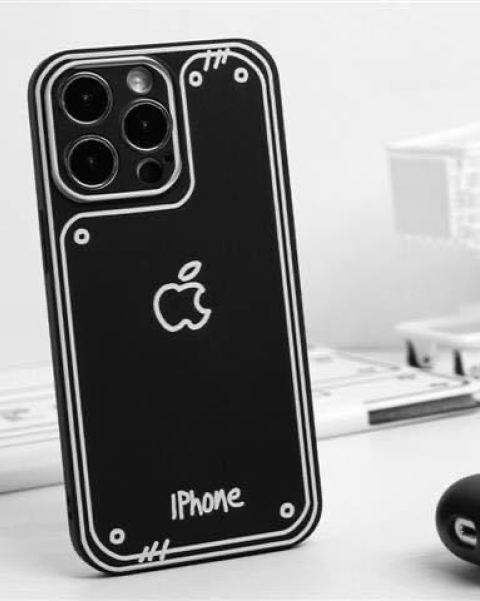
3D Black iPhone Cover
Ks15,000
မှတ်ချက်တစ်ခုရေးပါ